API testing from your editor
Test APIs directly in VS Code, Cursor, Windsurf, and any VS Code-compatible editor. One extension, zero context switching.
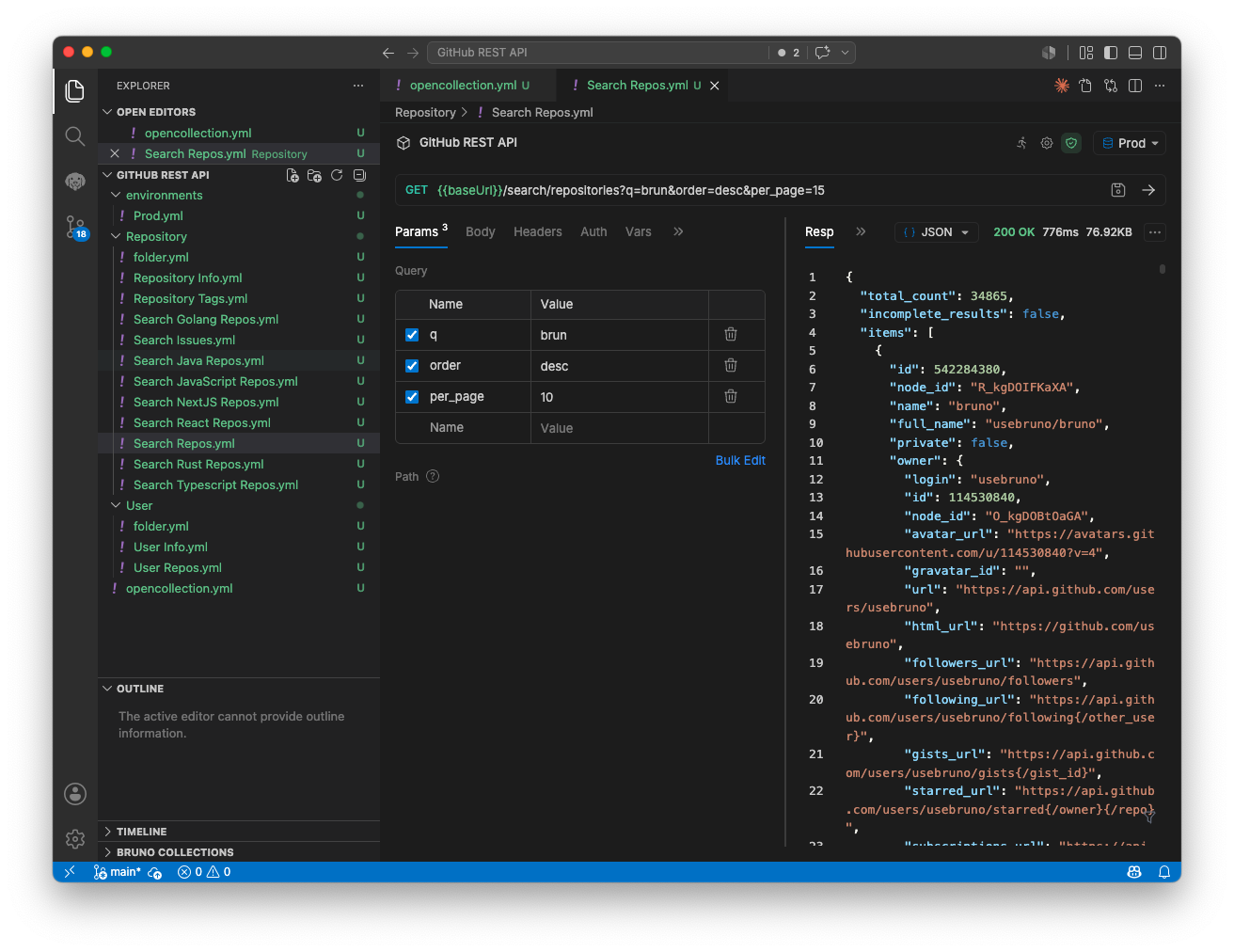
Stay in the flow
One interface
Your code, your tests, your responses, all in one place with native editor integration.
Keyboard-driven
Use shortcuts and the command palette. Designed for developers who live at the keyboard.
Full feature parity
The same testing, assertions, and scripting you get in the desktop app.
Instant feedback
Send requests and see responses instantly. No switching between windows or apps.
Seamless integration
Open collection
Your Bruno collections appear in your editor's sidebar, synced from your Git repository.
Browse requests
Navigate the collection explorer and select any request to open it in the editor.
Test & iterate
Send requests and view responses in a side panel. Iterate rapidly on your API design.
Commit & share
Changes sync to Git. Your team always has the latest requests, tests, and workflows.
Complete your toolkit
API Client
The desktop app where collections, examples and environments live.
Explore API ClientCLI
Automate API testing and integrate with your CI/CD pipeline.
Explore CLIAPI Documentation
Publish the same collection as an interactive HTML docs site.
Explore API DocumentationMock Servers
Mock an API from your saved examples or an OpenAPI spec.
Explore Mock ServersNever leave your editor
Install the Bruno IDE extension and test APIs in VS Code, Cursor, Windsurf and more.